
Novice guidance
Explain concepts and help process owners turn practical knowledge into a sound first model.
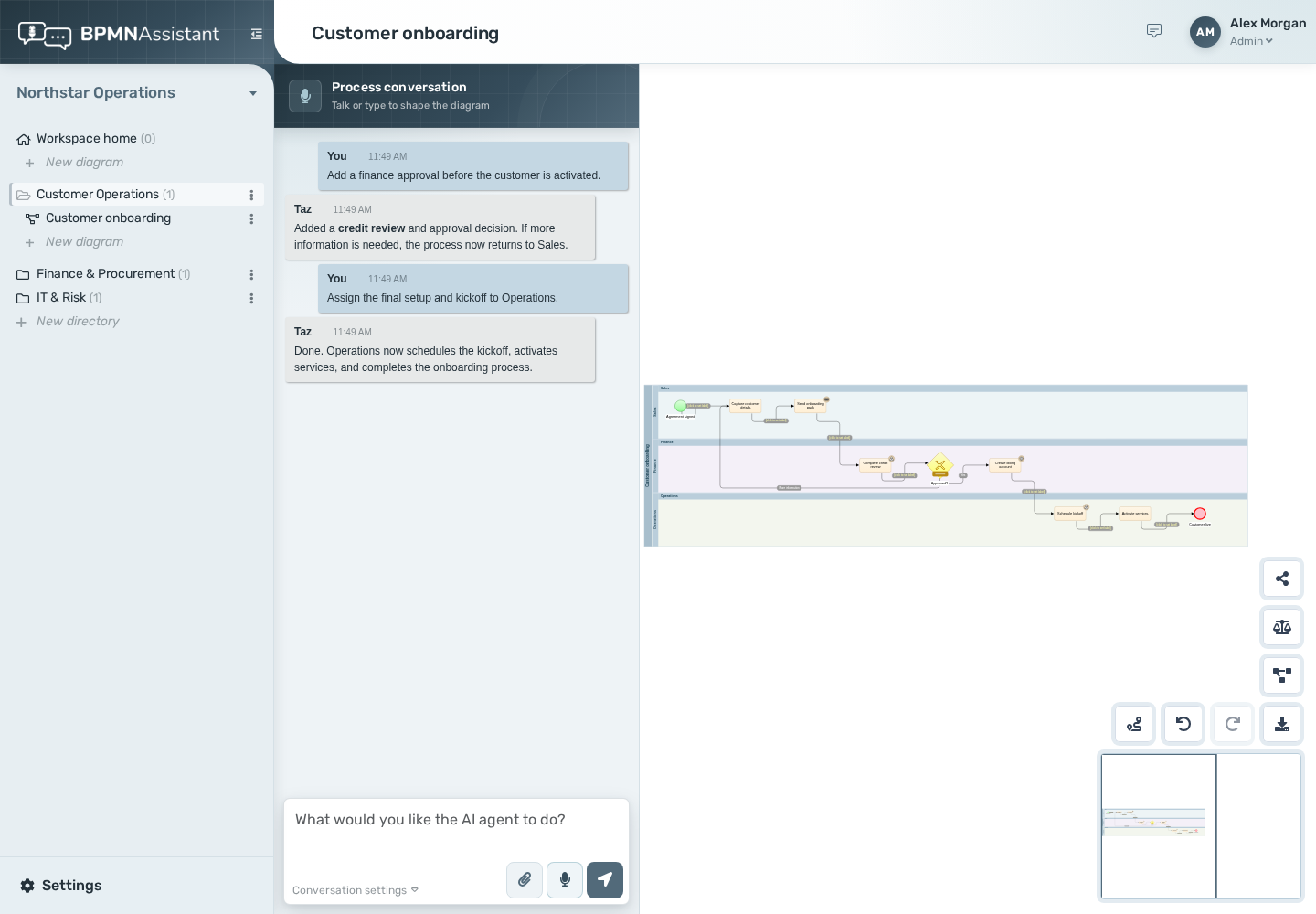
Capture the process in the way that is easiest for the people who know it, then shape the diagram, involve the right people and keep the record together.
Talk through what happens, who does it, where decisions are made and what can go wrong. BPMN Assistant turns the spoken explanation into a first draft, asks useful follow-up questions and suggests improvements without expecting the speaker to know BPMN.
Attach a PDF or image containing a process diagram, a scan, or even a photograph of a hand-drawn workflow. The assistant visually assesses it and drafts an editable BPMN model as a starting point.

The result is not a flat picture. Select tasks and links, change their properties, add decisions and rearrange the process directly in the editor.
Create unlimited workspaces during the trial and on either plan, then arrange diagrams in folders. Users can participate in multiple organisational accounts, making it practical for consultants who work across several clients.
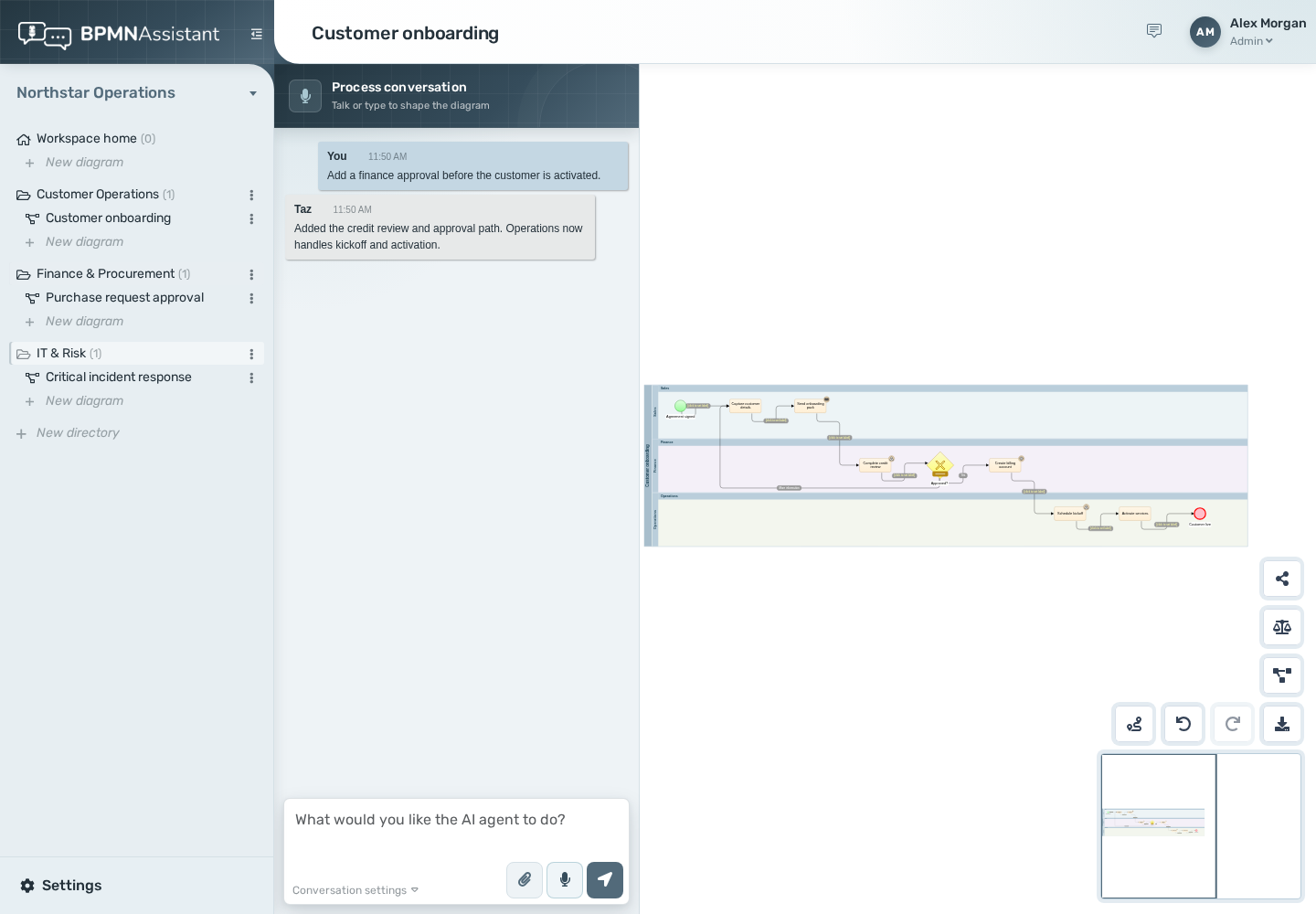
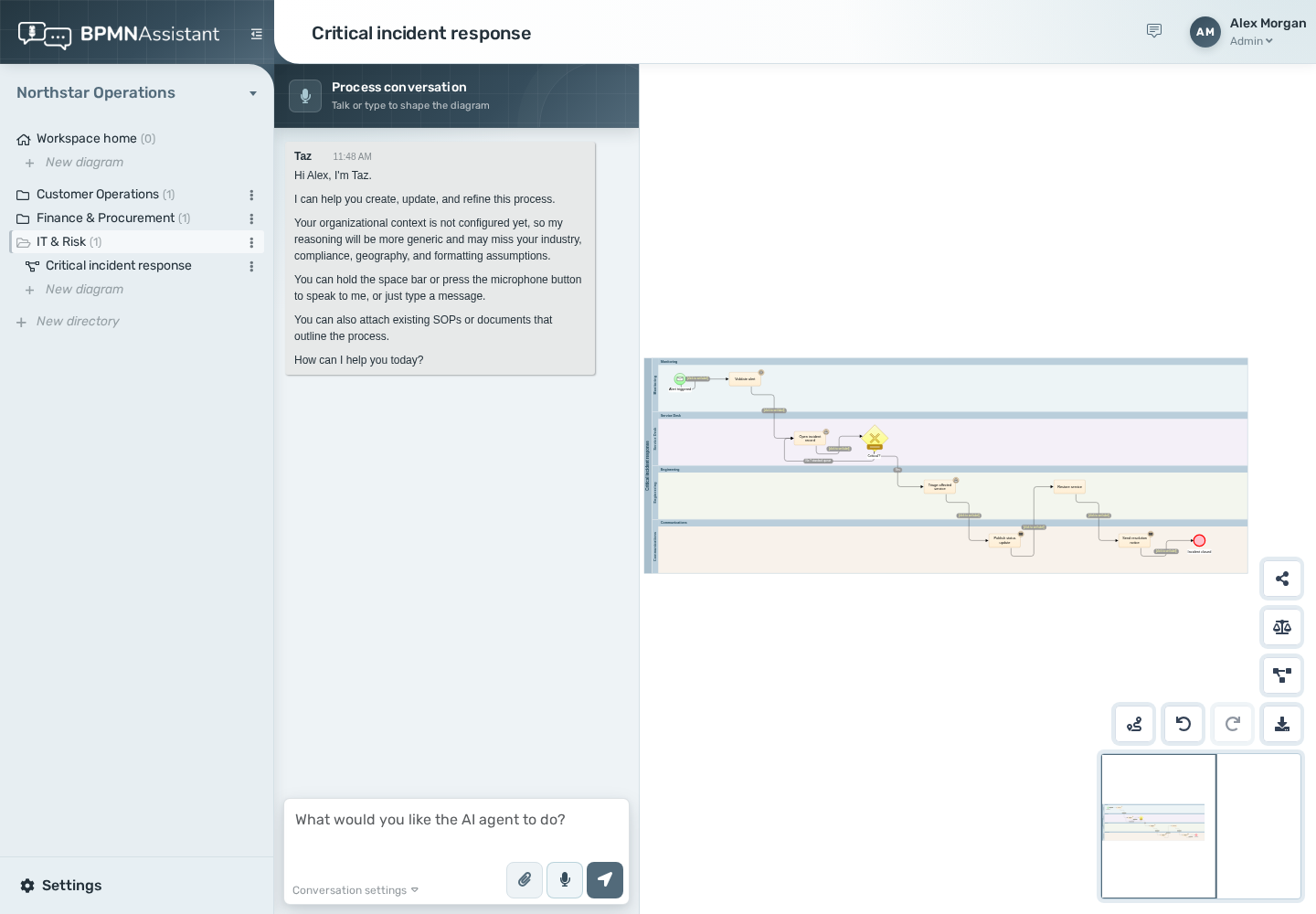
Pro records governance activity with the diagram, so reviews are easier to find and repeat as the process changes.
Configure your organisation’s purpose, industry, operating countries, key operations, client types, terminology, units and regulatory frameworks. The assistant uses that context when it interprets documents, suggests process improvements and changes diagrams.
Explain concepts and help process owners turn practical knowledge into a sound first model.
Use precise BPMN terminology and direct instructions when an experienced modeller wants tighter control.
Move between client accounts while keeping each organisation’s context, diagrams and access separate.
Your 30-day trial does not require a credit card.
Start free trial